

When it comes to creating personalized or branded mugs, understanding the *basics of mug printing* is essential. This not only ensures a high-quality result but also helps you choose the right tools and materials. **Mug printing** involves transferring a design onto the surface of a mug, typically using methods such as sublimation, heat transfer, or screen printing. Each of these methods has its unique advantages and equipment requirements.
**Sublimation** is a popular method due to its ability to produce vibrant, full-color images. This process requires a sublimation printer, special sublimation inks, and heat press equipment. The design is printed on sublimation paper, which is then transferred to the mug using heat and pressure. The result is a durable image that is resistant to dishwashing and fading.
**Heat transfer printing** involves printing the design onto a special transfer paper using an inkjet or laser printer. The design is then applied to the mug using a heat press. This method is great for simple designs and is relatively cost-effective, making it ideal for small-scale projects.
**Screen printing** is often used for larger production runs. This method involves creating a stencil (or screen) for each color in the design, which is then applied to the mug. It’s a versatile technique that can produce high-quality results but requires more setup and equipment.
Choosing the right method depends on your budget, the complexity of your design, and the volume of mugs you plan to produce. Each method offers unique benefits, so consider your needs carefully. Welcome, and thanks for supporting and patronizing WorkingGran-Gran2020 Print On Demand Website and Platform. Your support helps me to help and donate to the homeless and shelterless organizations. May the Lord richly bless you in your support. Explore our designs here.
Types of Printers for Mug Printing
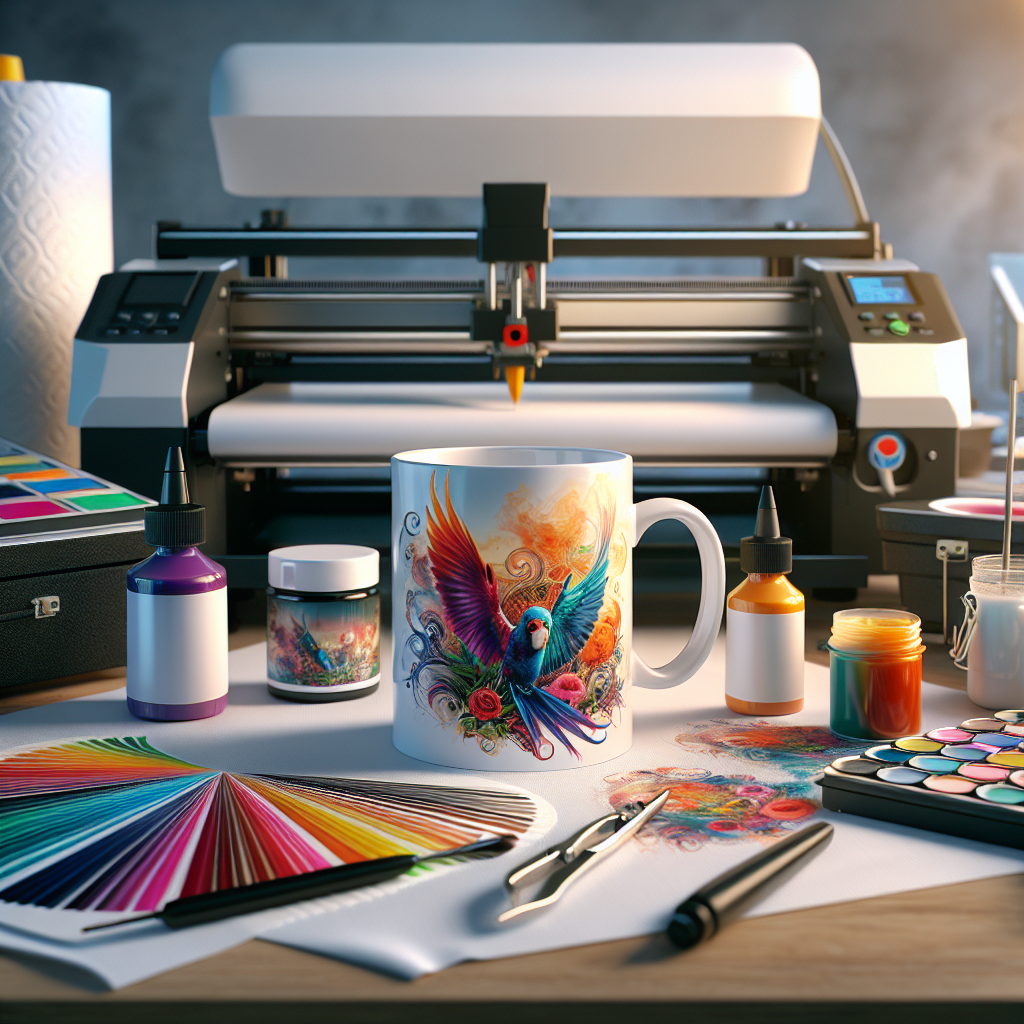
When delving into the world of mug printing, it's crucial to understand the different **types of printers** available. Each printer type offers unique capabilities, catering to various printing techniques and requirements.
**Sublimation printers** are a top choice for mug printing enthusiasts seeking vibrant and enduring designs. These printers use heat to transfer dye onto materials like ceramics, creating stunningly vivid images. Sublimation printers require specific sublimation inks and papers, ensuring the designs bond well with the mug’s surface, resulting in a long-lasting finish.
**Inkjet printers** are versatile and widely used for heat transfer printing. These printers can print on special transfer paper which is then applied to the mug using a heat press. Inkjet printers are ideal for small-scale operations or personal projects due to their affordability and ease of use. They are perfect for designs that don’t require the intense color saturation offered by sublimation printers.
**Laser printers** are another option for heat transfer printing, offering quicker print times and sharper text quality than inkjet printers. However, laser printers are generally less suited for intricate color designs compared to their inkjet counterparts. They are excellent for monochrome or simple colored designs, providing a clean, professional look.
Each printer type has its own set of advantages and limitations, making it important to consider your specific needs, such as design complexity, budget, and production volume. Understanding these differences can help you make an informed decision, ensuring your mug printing endeavors are both successful and rewarding.
Key Features to Consider
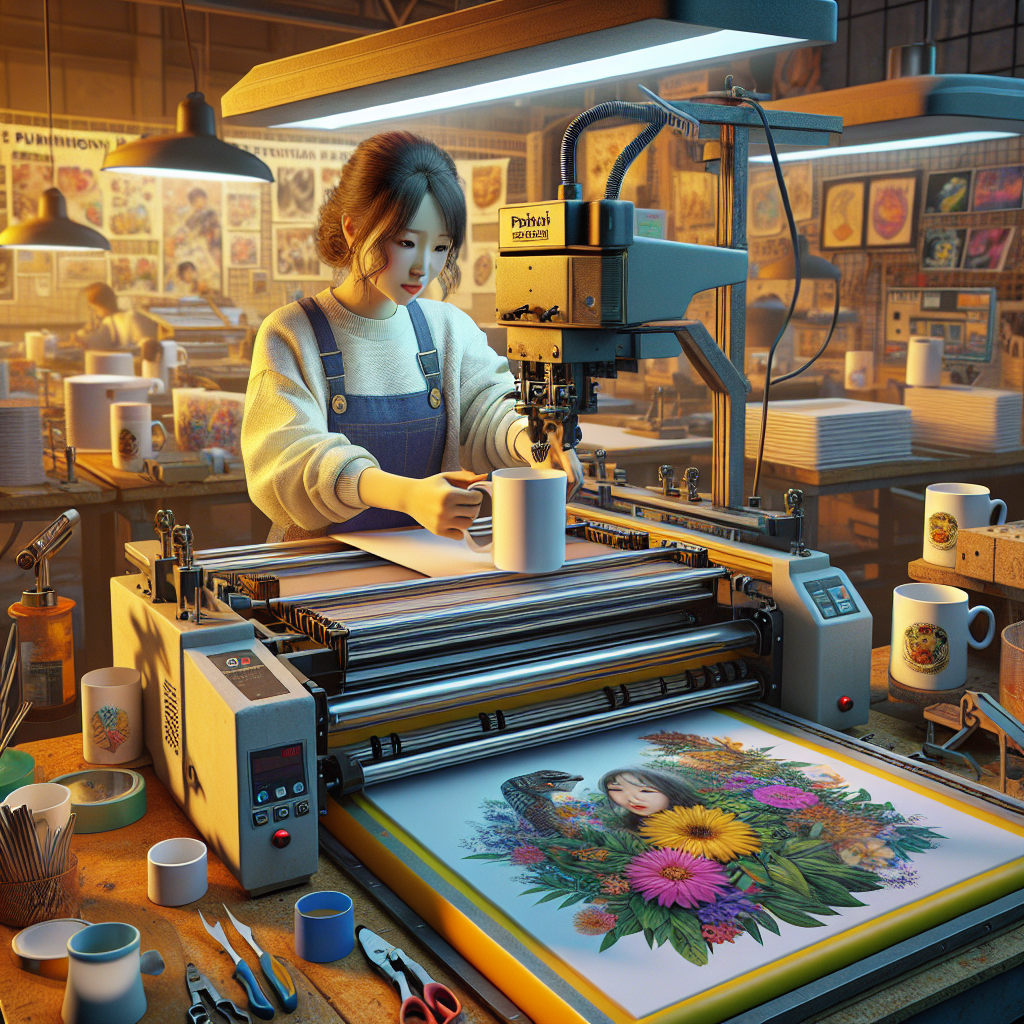
When selecting a printer for mug printing, it's essential to look beyond just the type of printer and consider specific **key features** that will impact both the quality and efficiency of your projects. These features can make a significant difference in the end result of your printed mugs.
**Print resolution** is a critical factor to assess. A higher resolution ensures that your images and text come out crisp and clear. Look for printers with at least 300 dpi (dots per inch) for detailed and professional-looking designs. This is particularly important for intricate patterns or text-heavy images.
Another important feature is the **color fidelity** of the printer. Sublimation printers, for instance, are known for their excellent color reproduction, which is crucial for printing vibrant mugs. Consider a printer that supports a wide color gamut to achieve more accurate and vivid designs.
**Size compatibility** is also a major consideration. Make sure the printer you choose can accommodate the size of the transfer paper or material required for your mugs. Some printers offer versatility in handling different media sizes, which can be advantageous if you plan to expand your printing repertoire beyond mugs.
**Ease of use** and **software compatibility** are features that can greatly influence your printing experience. Look for printers that offer user-friendly interfaces and are compatible with popular design software. This ensures a smoother workflow, especially for those who might not be tech-savvy.
Finally, consider the availability of **support and consumables**. Ensure that inks, papers, and other necessary materials are easily obtainable, and check if the manufacturer provides reliable customer support. This can save you from potential headaches in the future and keep your printing process running smoothly.
Top Recommended Printers for Mugs
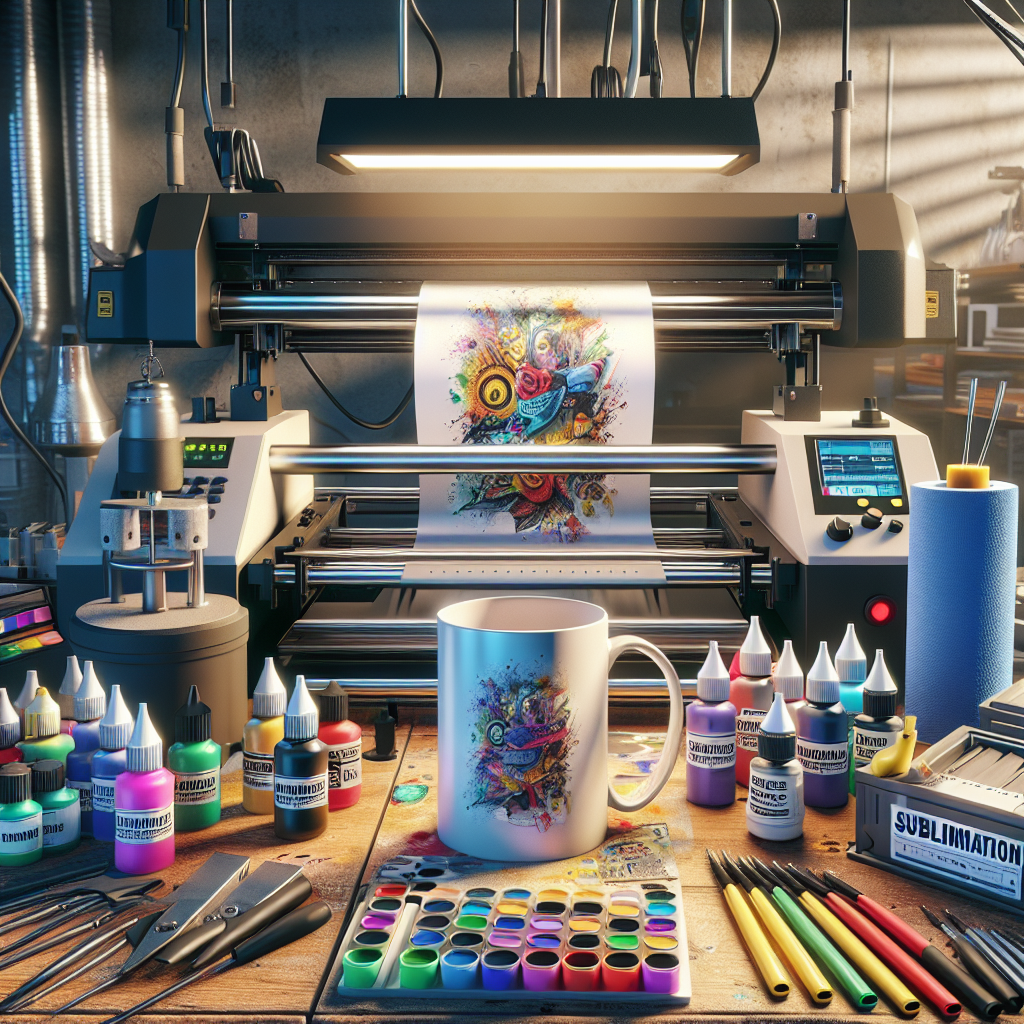
Choosing the right printer for mug printing can seem daunting with so many options available. However, certain models stand out due to their reliability, quality, and ease of use. Here are some of the **top recommended printers** that can elevate your mug printing projects:
- Epson SureColor P400: This printer is well-regarded for its excellent color accuracy and wide color gamut, making it ideal for producing vibrant and detailed mug designs. It features UltraChrome HG2 pigment ink, which ensures long-lasting and fade-resistant prints.
- Sawgrass Virtuoso SG500: Specifically designed for sublimation printing, this printer is perfect for creating high-quality mug prints. Its compact size makes it suitable for home-based businesses, and it comes with CreativeStudio, a design software that simplifies the printing process.
- Canon PIXMA Pro-100: Known for its versatility, this printer offers exceptional print quality with its 8-dye ink system. The PIXMA Pro-100 is highly compatible with various media types and sizes, providing flexibility for custom mug designs.
- Ricoh Aficio SG 3110DN: A reliable option for small businesses, this printer is praised for its durability and efficiency in handling large volumes. Its GELJET technology provides high-speed printing with minimal ink consumption, which is a cost-effective choice for frequent projects.
These printers have been chosen for their ability to deliver consistent, professional results and their suitability for both beginners and more experienced users. By opting for any of these models, you can ensure that your mug printing endeavors are successful and rewarding.
Cost and Maintenance Considerations
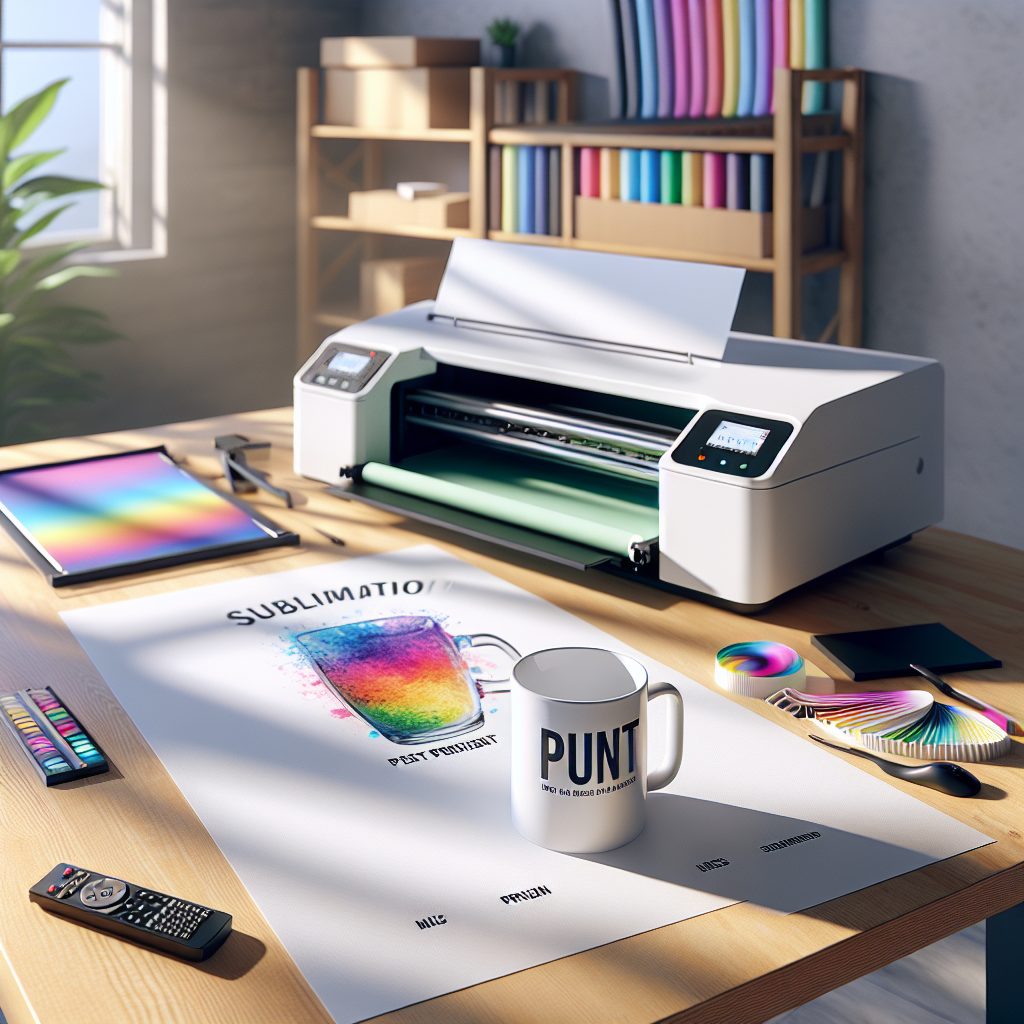
When investing in a printer for mug printing, it's crucial to consider both the initial cost and the ongoing maintenance expenses. Balancing these factors can ensure that your investment remains feasible and productive in the long run.
**Initial Costs:** The price of a printer suitable for mug printing can vary significantly, ranging from a few hundred to several thousand dollars. While entry-level models like the Sawgrass Virtuoso SG500 are more affordable, they may lack advanced features found in higher-end options like the Epson SureColor P400. It's important to choose a printer that fits your budget while meeting your printing needs.
**Maintenance Costs:** Regular maintenance is essential to keep your printer running smoothly and to prolong its lifespan. This includes replacing ink cartridges, cleaning print heads, and occasionally servicing the equipment. Some printers, such as the Ricoh Aficio SG 3110DN, are designed to be more cost-effective in terms of ink usage, which can help manage long-term expenses.
**Consumables:** The cost of consumables like sublimation paper and special inks should also be factored into your overall budget. Bulk purchasing or seeking suppliers with discounts can reduce these costs. Additionally, some printers offer refillable ink systems, which can be a more economical option over time.
**Warranty and Support:** Finally, consider the warranty and customer support offered by the manufacturer. A comprehensive warranty can save costs on repairs and replacements, while reliable support ensures you can address any issues swiftly.
By carefully evaluating these cost and maintenance considerations, you can make an informed decision that aligns with your business goals and financial plan, ensuring a successful mug printing venture.
Tips for Successful Mug Printing
Embarking on a mug printing journey can be both exciting and rewarding. To ensure the success of your projects, it's essential to follow some key tips and best practices.
**Choose the Right Materials:** Selecting high-quality sublimation paper and inks is crucial for producing vibrant and long-lasting designs. Ensure that the mugs you use are specifically coated for sublimation to achieve the best results.
**Optimize Your Designs:** When creating designs, consider the curvature and size of the mugs. Using vector graphics can help maintain image clarity and sharpness when adjusting sizes. Tools like Adobe Illustrator or CorelDRAW can be particularly helpful in designing intricate patterns.
**Calibrate Your Printer:** Regularly calibrate your printer to maintain color accuracy. This can prevent costly errors and wasted materials. Many printers come with software or settings that allow you to adjust color profiles and ensure consistent output.
**Practice Proper Heat Press Techniques:** Mastering the heat press process is vital for successful transfers. Follow the manufacturer's guidelines regarding temperature, pressure, and time to avoid common issues like ghosting or fading.
**Test Before Mass Production:** Before committing to large print runs, conduct test prints to fine-tune your settings and catch any issues early on. This practice can save time, money, and resources in the long term.
**Stay Inspired and Updated:** Keep abreast of the latest trends and techniques in mug printing to continuously improve your skills. Engaging with online communities and forums can provide valuable insights and inspiration.
By incorporating these tips, you can enhance your mug printing projects' quality and efficiency, paving the way for a successful creative endeavor.
Welcome, and thanks for supporting and patronizing WorkingGran-Gran2020 Print On Demand Website and Platform. Your support helps me to help and donate to the homeless and shelterless organizations. May the Lord richly bless you in your support. Visit our shop here.